Discover how to access EMCS on the Traid-platform. We have created a step-by-step guide explaining how to make an EMCS declaration on our digital platform in no time.
Videoguide
Se vores korte videoguide, og se, hvor hurtigt du kan lave eksportangivelser til EMCS på ClearView Trade-platformen.
Step-by-step guide
Experience how to declare EMCS in just 5 simple steps:
Step 1: Choose “EMCS” in the dashboard
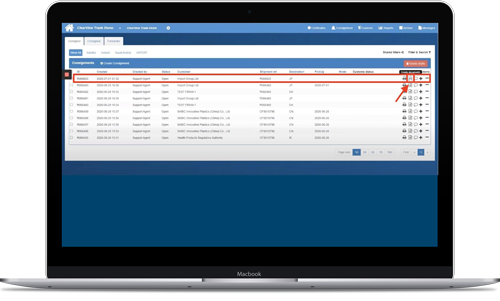
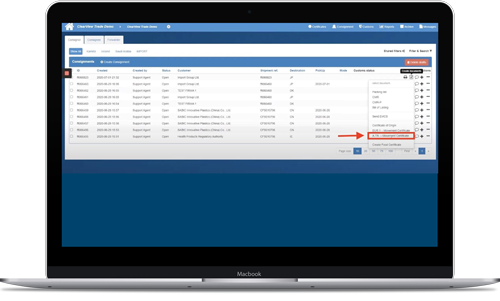
From the dashboard, press “Customs” and a menu will appear. Here you select “EMCS” and then press the “Create” button
Step 2: Choose the relevant shipment
Under the heading “Freight forwarding instructions“, select the shipment in question. Finish by pressing “Next“
Step 3: Fill out the document
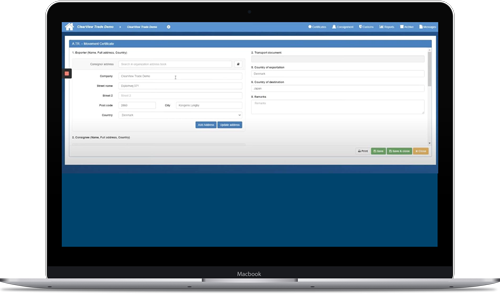
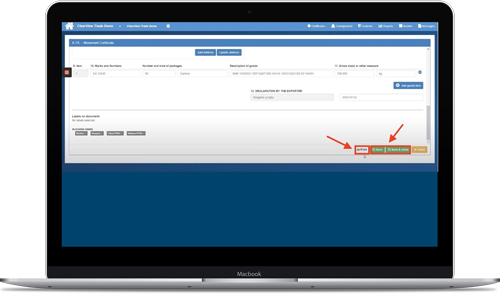
Once you have selected the appropriate shipment, you will be directed to the EMCS form.
Most of the data is filled out automatically – you just need to fill out the missing fields. Also, remember to double-check all the fields.
Step 4: Send the document
Once you have made sure that the document is filled in correctly, you can finish the process by pressing “Submit” at the bottom of the page.
Step 5: Check the status of the document
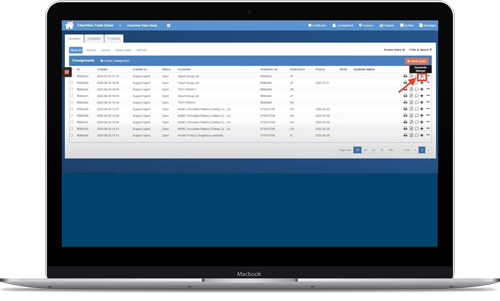
Once you have submitted your application, you can keep an eye on its status under the “Created EMCS“-tab.
This will clearly indicate when your application has been approved. The status of the application will change to “Approved” once it has been approved.
Links for further information
Do you need more information about EMCS? We have a lot of information on our website that can make you a true expert on the subject. The links below will take you to our certificate page, dictionary and FAQ. Click on the three links and learn more about EMCS:
Certificates and documents
The Traid dictionary
FAQ
Book a free demo of the digital platform
If you feel like this guide was comprehensive, you are more than welcome to begin declaring your EMCS on the platform. You are also welcomed to book a free demo if you want further clarification on the EMCS-module.
The demo is an energetic guided online tour, and it takes about 30 minutes. Look forward to working on a platform that digitizes and automates your daily workflows.